
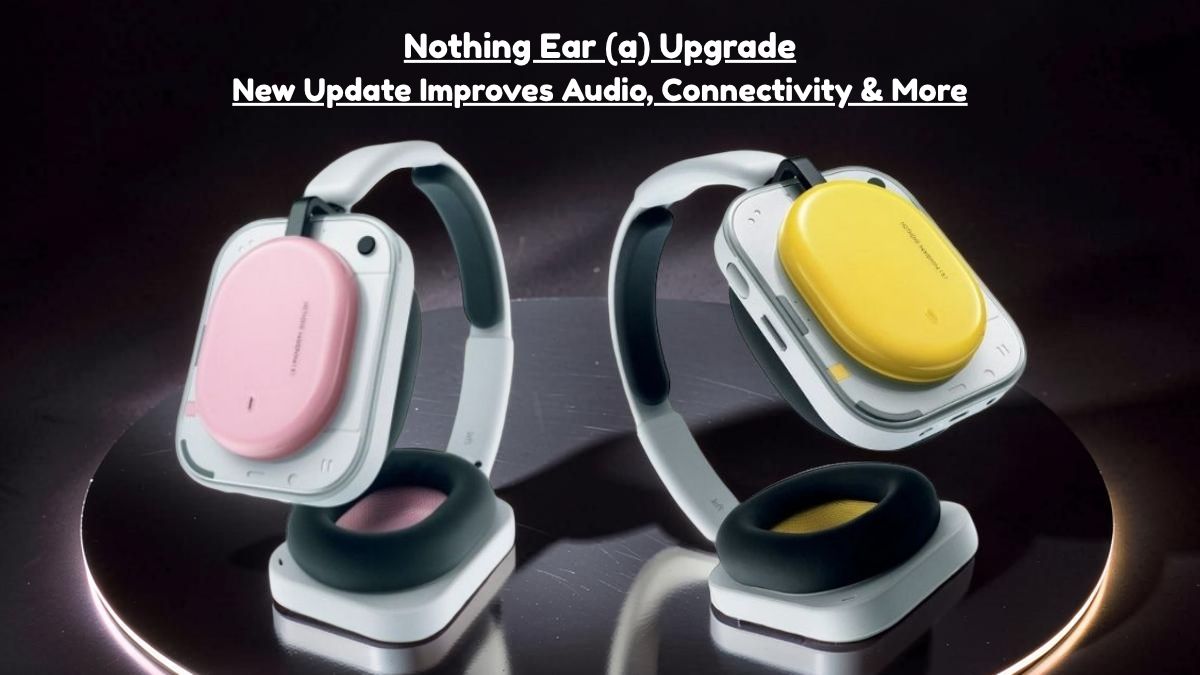
If you are using the Nothing X application, a new firmware update is being released for users of Nothing Ear (a). Nothing Ear (a) update has focused on smarter sound, better connectivity, and more personalized listening. Like most modern OTA updates, this rollout is phased, indicating that not all users will experience it simultaneously. This phased strategy helps maintain stability and enables Nothing to fix any unexpected problems before a wider release quickly.
What’s New in Version 1.0.1.51?
- Adaptive Smart ANC (up to 45dB): The upgraded Active Noise Cancellation technology is now more intelligent. It automatically adjusts according to the fit of the earbuds in your ears, detecting sound leakage and compensating to ensure more reliable noise blocking.
- Personal Sound Profile (Hearing ID): You now have the ability to customize audio according to your hearing preferences. The system generates a personalized profile that modifies sound output in real time, enhancing the listening experience to be more tailored and natural.
- Bass Enhance Algorithm: A newly introduced toggle within the application enhances low frequencies in real-time. Instead of just increasing bass volume, it intelligently enhances depth, providing music with a more complete and vibrant experience without overpowering other sounds.
- Improved Dual Connection Stability: The process of multi-point pairing has become more seamless. Transitioning between two linked devices, such as your laptop and smartphone, occurs more swiftly and with reduced disruptions.
- ChatGPT Integration (Nothing Phone Exclusive): If you own a Nothing Phone, you can activate ChatGPT through earbud gestures. This feature introduces a hands-free dimension of AI support directly via your earbuds, combining both a futuristic approach and practical utility.
What This Update Brings?
Nothing Ear (a) update is not just a standard patch; it meaningfully enhances the audio quality and performance of the earbuds in practical usage.
The biggest highlight of Nothing Ear (a) update is the enhanced clarity of sound. The audio now appears more balanced and polished, particularly in the mid and high frequencies, resulting in a more seamless listening experience, whether you are making calls or streaming music.
Connectivity has been enhanced as well. Switching between devices appears to be faster, and the overall stability, particularly in crowded wireless environments, has improved noticeably.
How to Update?
To do a Nothing Ear (a) update is simple and only takes a few minutes:
- Connect your earbuds to your phone
- Open the Nothing X app
- Go to device settings and check for firmware updates
- Install if available
Note: Make sure your earbuds have enough battery before starting the update to avoid interruptions.